

Case Study: WordPress CMS

-
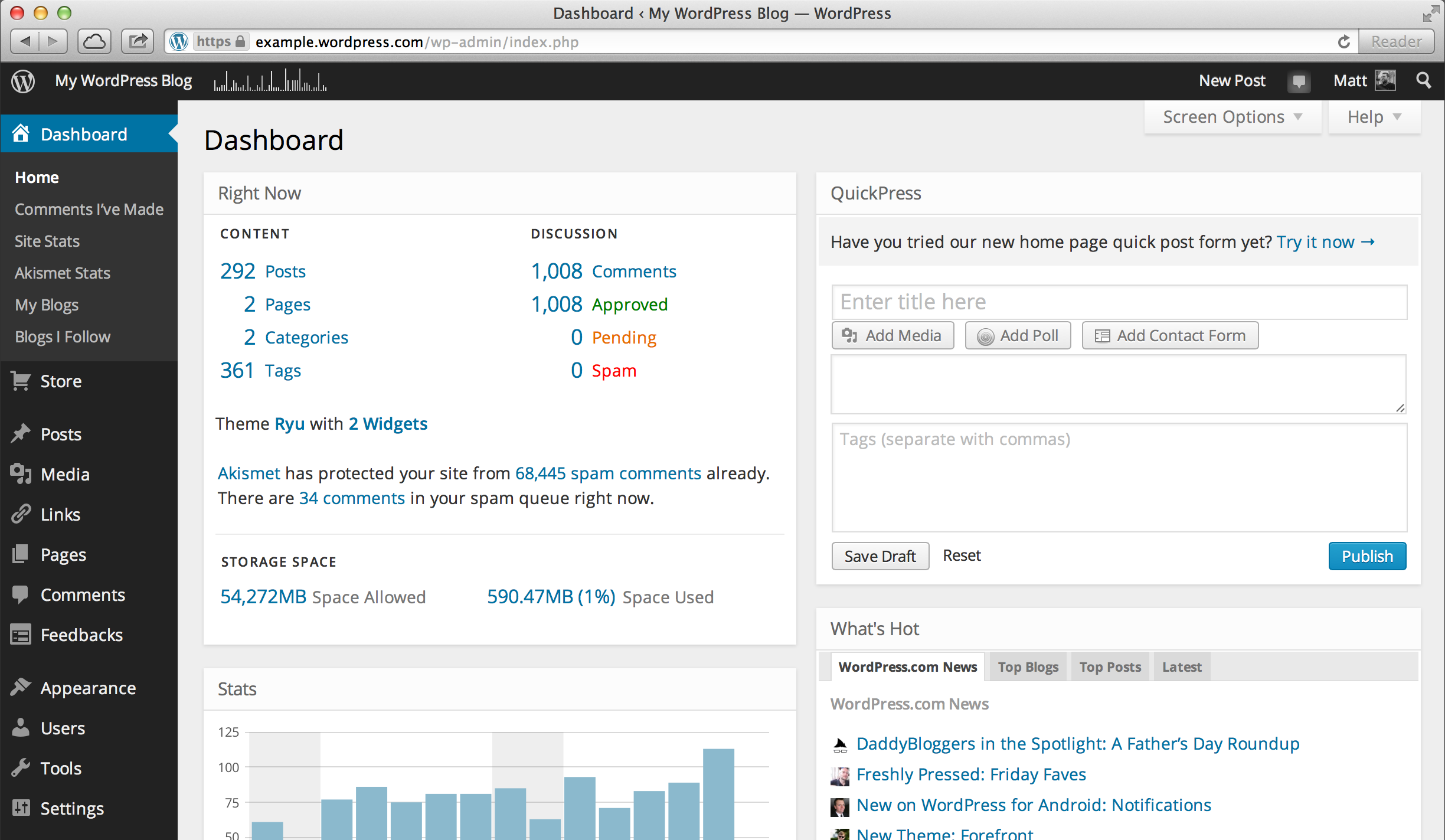
- Wordpress Dashboard
-
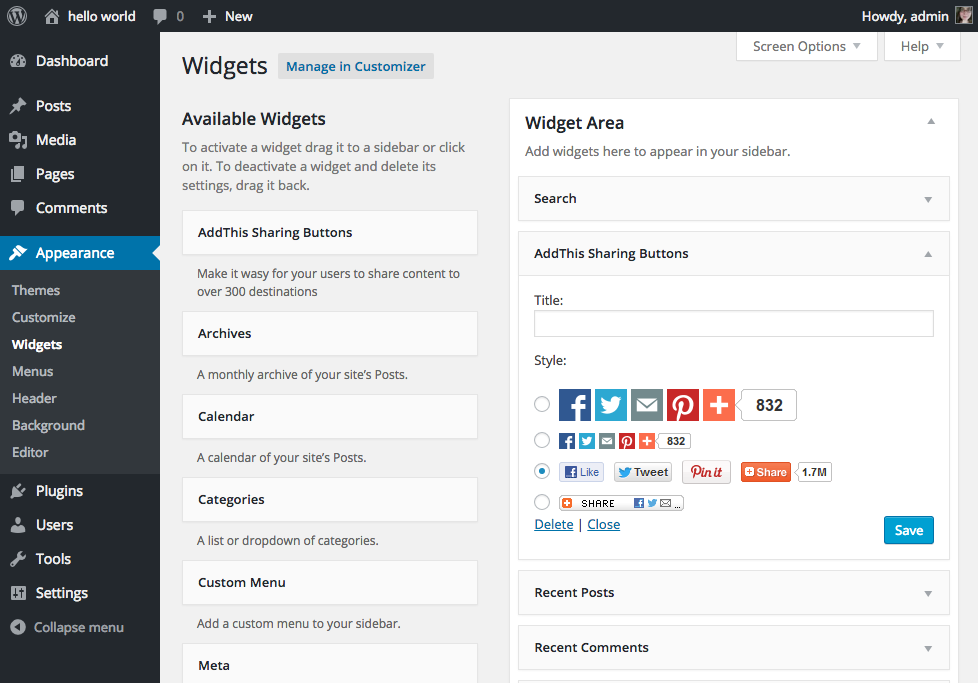
- Widgets
-
- Visual Editor
-
- Visual Editor
-
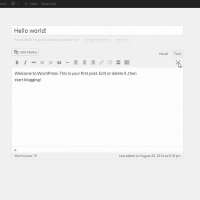
- Distraction Free Editor

-
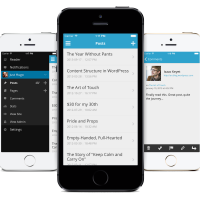
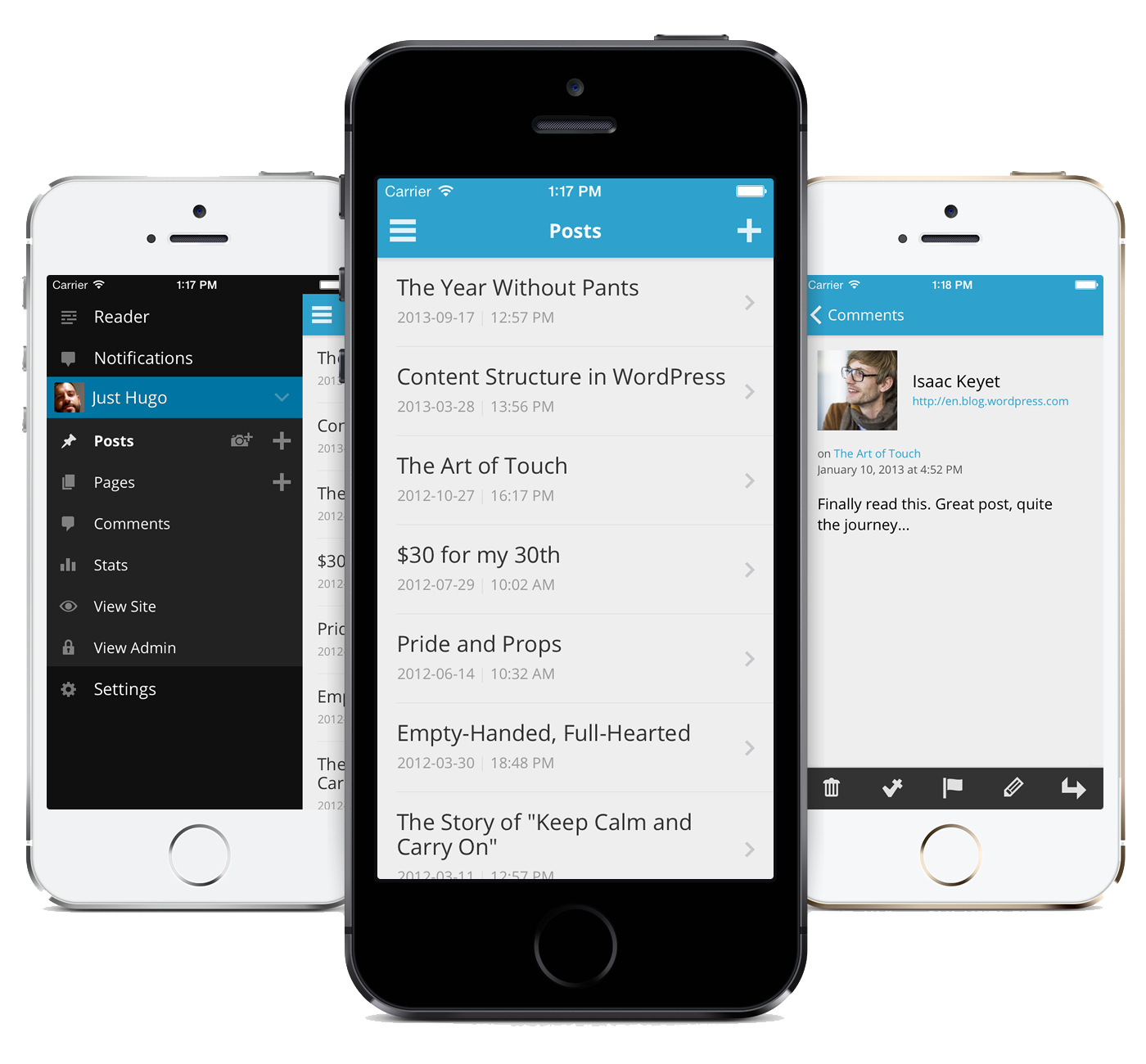
- Wordpress iPhone App
-
- Wordpress iPad App

-
- Wordpress Android App
Case Study: Wordpress CMS
The Content Management System: Meet WordPress
WordPress is Image Associates’ preferred Content Management System. We have used other CMS’s in the past, but in the here and now, nothing can compare with WordPress for ease of use, extensibility, and compatibility. WordPress is an open source project with a vast pool of contributing developers. It is standards compliant, ADA compliant, and cross-platform compatible. It is highly extensible through the use of plug-ins that cover additional functionality. It continues to grow and evolve with the ever-changing web. It is stable and futureproof. It is extremely well-documented.
Unlike some CMS’s, particularly those that rely on Microsoft’s ASP.NET, the barrier for entry for developers is low, meaning you will always be able to find developers for this platform. This large pool of developers also provides one of the largest repositories of plug-ins of any CMS. Any function you can imagine is likely already covered by multiple plug-in options. Additionally, creation of custom plug-ins is a well-documented task that nearly any php programmer can accomplish.
The WordPress experience is highly customizable for site administrators and content contributors, as well as highly theme-able for front-end users. Unneeded features can be turned off for novice users and enabled for advanced users. User management can be as broad or as granular as you wish.
Content Management includes highly advanced taxonomical options, from categories and tags to custom post types that allow content to be broken up into any organizational structure necessary. The same type of taxonomical management of text content can also be applied to downloadable files, external links, employee or staff directories, etc through the use of plug-ins.
Themes can be customized and previewed before use, and can be built to accomodate the use of widgets that offer a variety of additional content display or functionality. Furthermore, WordPress is SEO (Search Engine Optimization) friendly and can be optimized using caching and CDN’s (Content Delivery Network) where necessary.
Content Updates
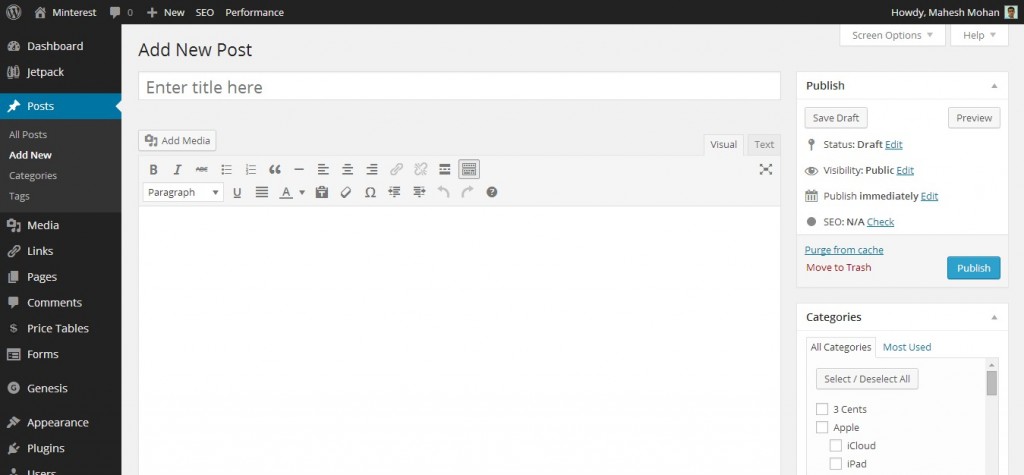
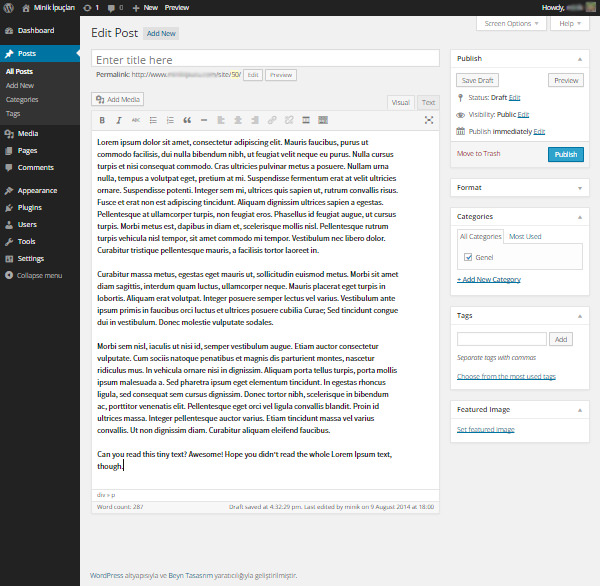
WordPress excels at keeping content clean and simple. Content editing takes place in a clean editor capable of distraction-free editing OR content can be edited inline directly on the page via the use of a “front-end editing” plugin. The default toolset used by the WordPress visual editor is designed to help content creators follow best practices for web content and styling, but tools can be added as needed. The editorial workflow in WordPress includes the ability to assign content on a user by user basis and allows moderation and approval before publication as well as scheduling of content. An HTML editor is provided for more advanced content entry. The editors available to each user can be specified within that user’s profile setting by the site administrator. Images can be uploaded directly into content pages and stored for use elsewhere in the site.
And though we do not endorse or recommend the use of Microsoft Word or any similar word processor for the creation or editing of web content, the editor also has a “paste as Text” mode which allows content posted from Word to be cleaned of all the extraneous “junk code” that typically accompanies word processor text before final inclusion in the content page.
WordPress captures the date, time and user ID whenever content is added or updated. It also keeps track of revisions and allows for the recovery of past versions of a post. WordPress provides tags for use with its templates to display any or all of such information on the front end with each post.
WordPress allows for multiple users and the assignment of different user roles, such as “editor”, “author” and “contributor” which allow different levels of access and different publication rights. Content in the backend is filterable by author so all an author’s work can be viewed in list form. The editorial workflow in WordPress includes the ability to assign content on a user by user basis and allows moderation and approval before publication as well as scheduling of content. All content can be held for approval by a user with the rights to publish before anything is seen by the public.
As stated above, WordPress content editor tools can be customized per user. Novice users should only be given access to the WYSIWYG tool which limits the amount of formatting that can be applied, thus protecting the overall site design from inexperienced users. All novice users should have their user roles set to require approval by a higher level user or the webmaster before any of their content is made live on the site.
A robust widget system allows inclusion of various content types in well organized sidebars that can appear on any or all pages. Other content types can be created and inserted into pages via the WordPress shortcode system, which allows flexibility to include even advanced code for dynamic content on any page.
Webmaster Notification
WordPress includes the ability to notify the admin of changes to content. Plug-ins are available to add even more granularity to the notification process.
WordPress provides a “Preview” button to allow the content author to see what their content will look like within the context of the visual theme prior to submitting their post for approval.
Spelling and Grammar
WordPress offers spellcheck in its WYSIWYG editor with inline correction. More advanced grammar and proofreading plug-ins are also available. We often recommend that heavy users utilize a browser plug-in, which works using your computer’s resources and offers improved performance.
Mobility
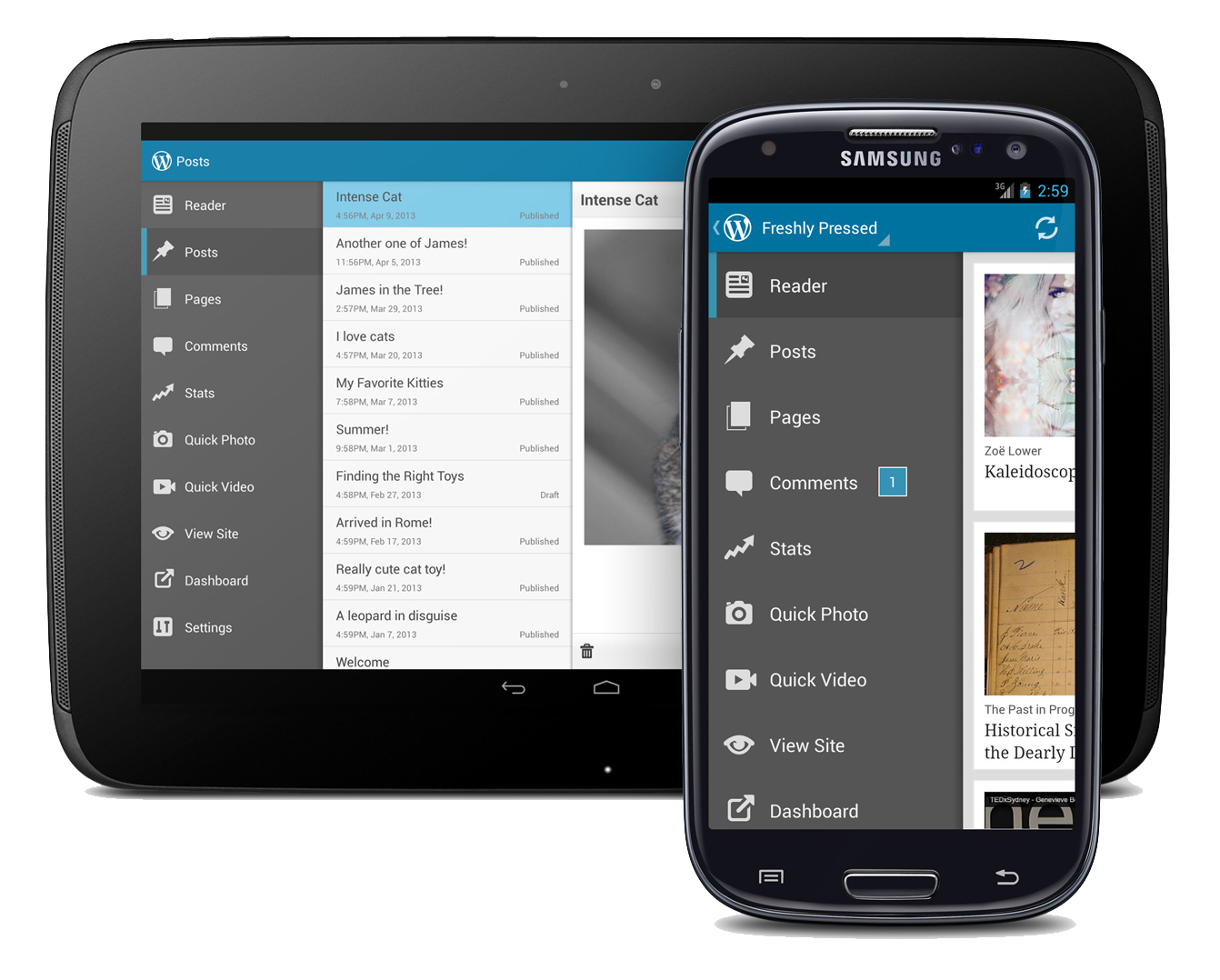
WordPress offers a variety of external methods of adding or updating site content, including posting via email and a seasoned iOS and Android app for mobile phones and tablets that allows for site management as well as content creation.
Additional CMS features
- WordPress is SEO friendly out of the box. In fact, CMS2CMS notes that “WordPress has … strong SEO features. Due to the fact that WP is favoured by Google, you can easily boost up the traffic to your site.”
- WordPress provides the ability to create multiple templates that can be applied to content on a page by page basis or category basis.
- All WordPress content is stored in a database and is therefore searchable by default.
- We provide a print style sheet in the Cascading Style Sheets for reformatting the web page content for ease of printing. If more advanced print capabilities are required, then we will once again turn to the vast WordPress plug in repository.
- RSS, forms and calendars are a simple addition either in the default installation or through the use of plug ins. We will utilize a contact management plug in to organize and display the staff directories.
- Video players and image galleries/slideshows are readily available as plug ins.
WordPress vs. Kentico
Research finds that WordPress compares equally or favorably to Kentico in nearly every category. However, when it comes to usage, WordPress is dominant. This is not surprising given the fact that WordPress in open source and free to use, whereas Kentico is a proprietary CMS that runs on proprietary server software and costs upwards of $3000 to implement. Hosting costs also increase due to the proprietary nature of the ASP servers required by Kentico. The large user base of WordPress has the benefit of fostering a large and diverse user and developer community. The website CMS2CMS puts this into perspective by pointing out:
“It is necessary to note that Kentico CMS has relatively small community. This means that the forums can be less reliable. In case you are using the free license, your only support is the forums. To put it another way, if you have some questions about your site management, this could be a problem.”
Conversely, the extensive WordPress community means that knowledge and support and extensibility are readily available, both at the WordPress forums and around the web, at sites like StackExchange, which has an entire section devoted to WordPress questions and answers.
The larger availablity of WordPress means a larger pool of developers. When comparing each platform for availability of extensibility plug-ins offering customized functionality, CMS2CMS notes that Kentico’s lack of third party options are “a drawback for users who are dissatisfied with the components that Kentico has to offer.” Conversely, they note that “WordPress comes shipped with a gazillion of free and premium plugins allowing to further scale and customize the site as needed”.
A large developer community also means that the client will never have difficulty finding developers to enhance or take over the site in the foreseeable future. And the active development cyle of WordPress means more nimble response to security issues or future functionality that may sweep the net as time marches on.
References:
- https://www.g2crowd.com/compare/kentico-vs-wordpress
- https://www.datanyze.com/market-share/CMS/kentico-vs-wordpress.org/
- https://www.similartech.com/compare/kentico-vs-wordpress
- http://w3techs.com/technologies/comparison/cm-kentico,cm-wordpress
- https://www.trustradius.com/compare-products/kentico-vs-wordpress

Case Study: Mountain State Agency Alliance

-
- Splash Slider
-
- Territories Animation
-
- Staff Section
-
- Content
-
- Complex Contact Form
Case Study: Mountain State Agency Alliance
The Situation:
Like many clients who come to us, Mountain State Agency Alliance had an old, outdated website with a stale design and limited functionality.
The Challenge:
Their existing site had no Content Management System, meaning they had to call the site developer any time they wanted to change something. They wanted more control over content as well as a more modern and aesthetically pleasing design.
The Solution:
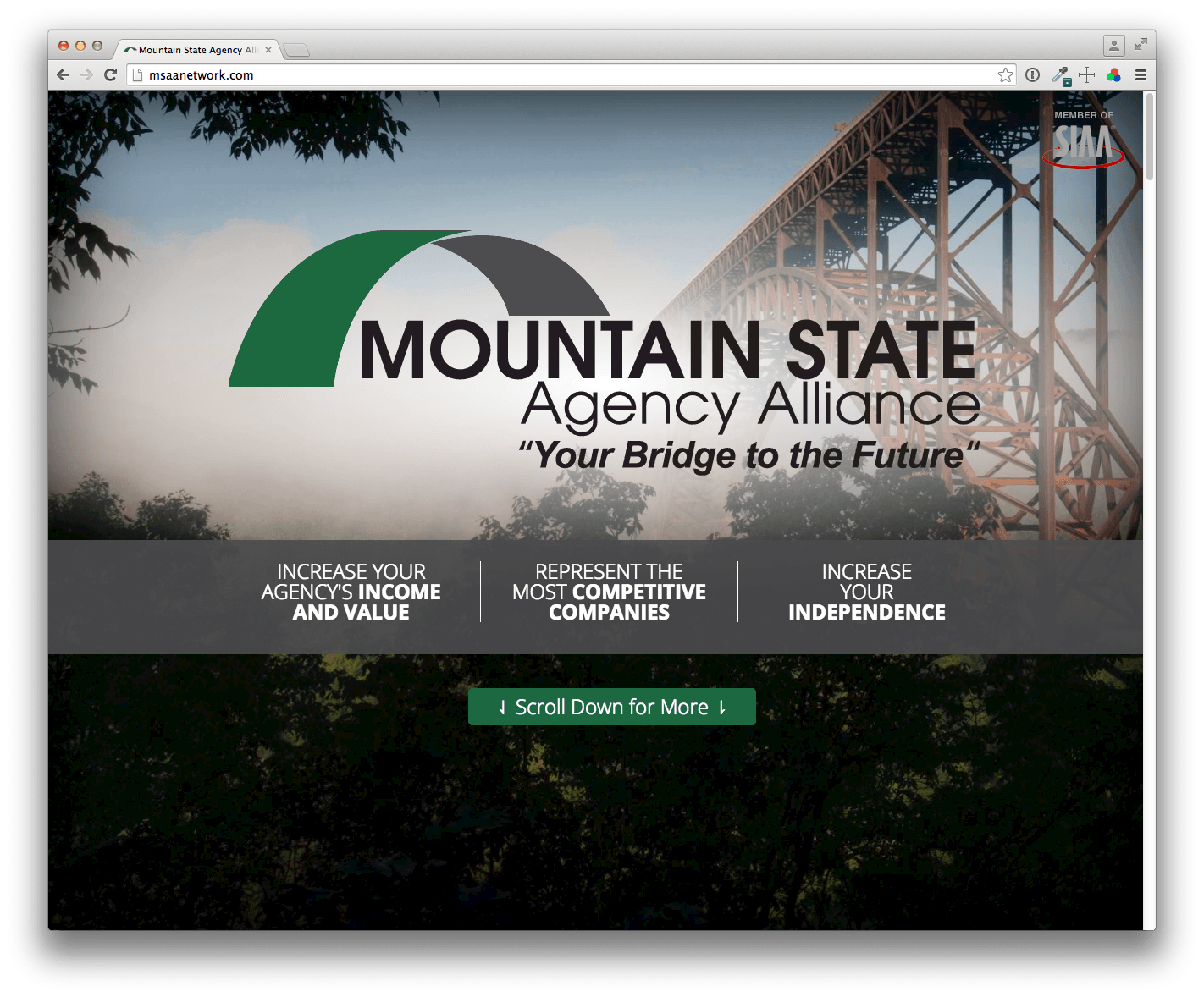
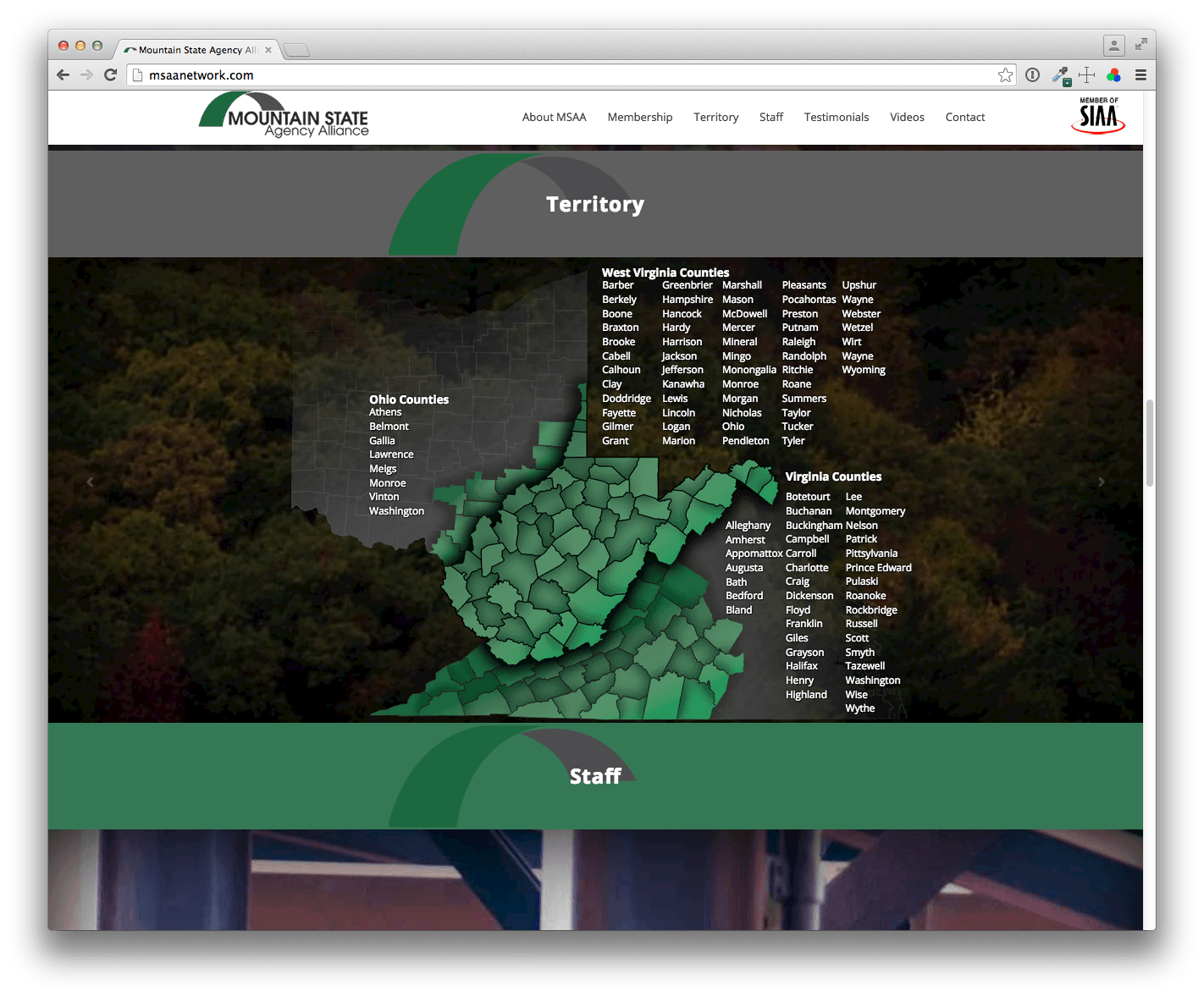
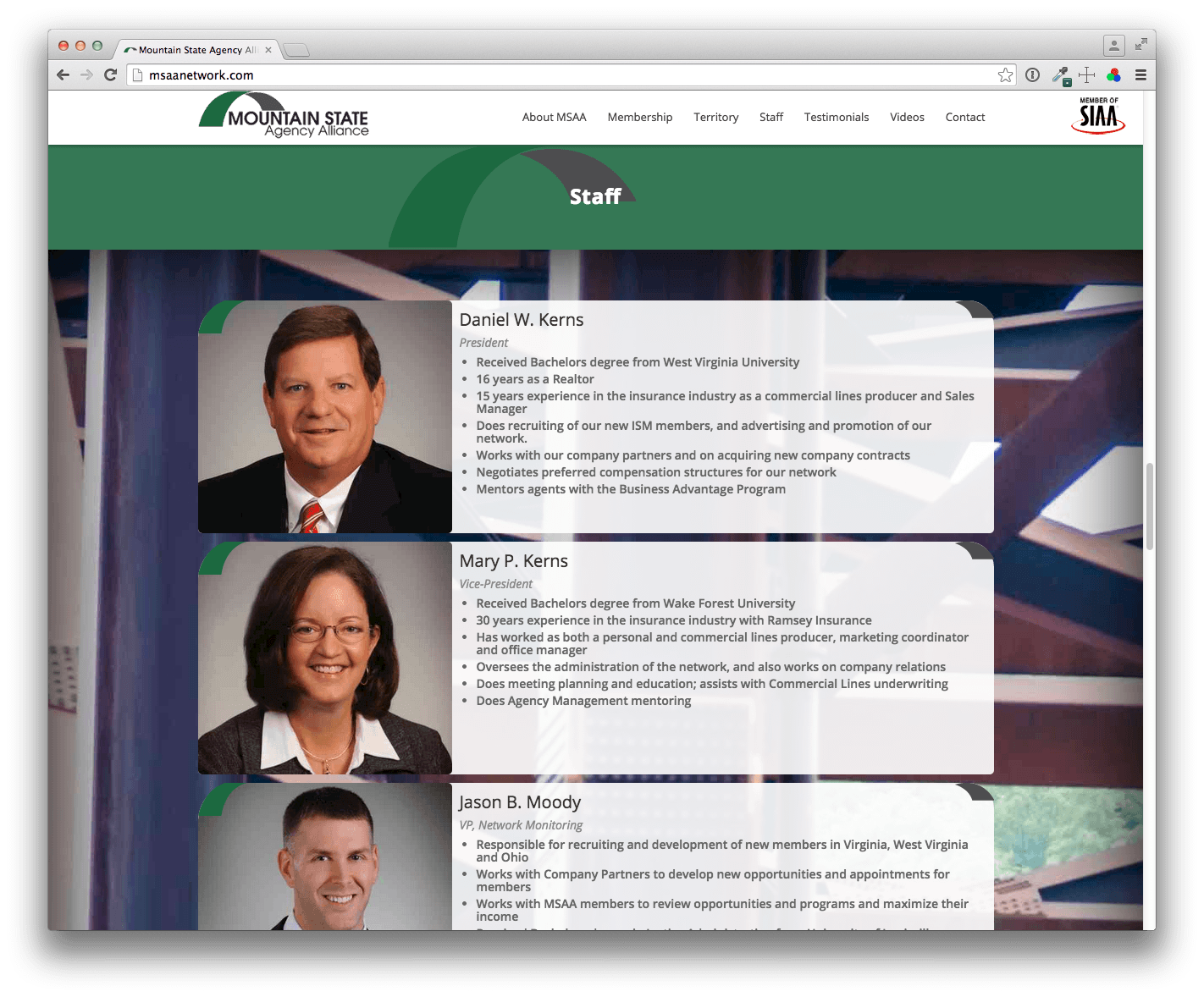
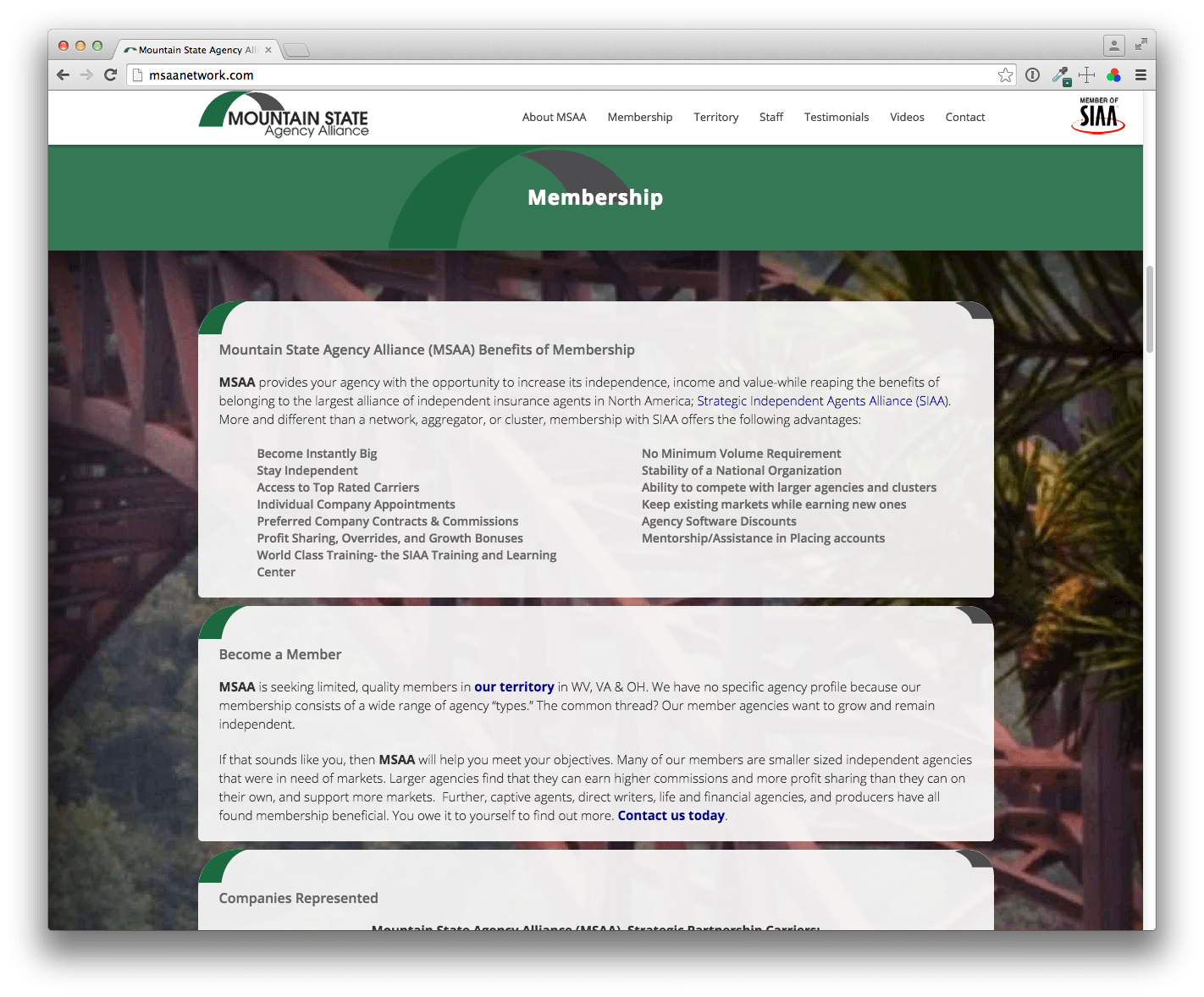
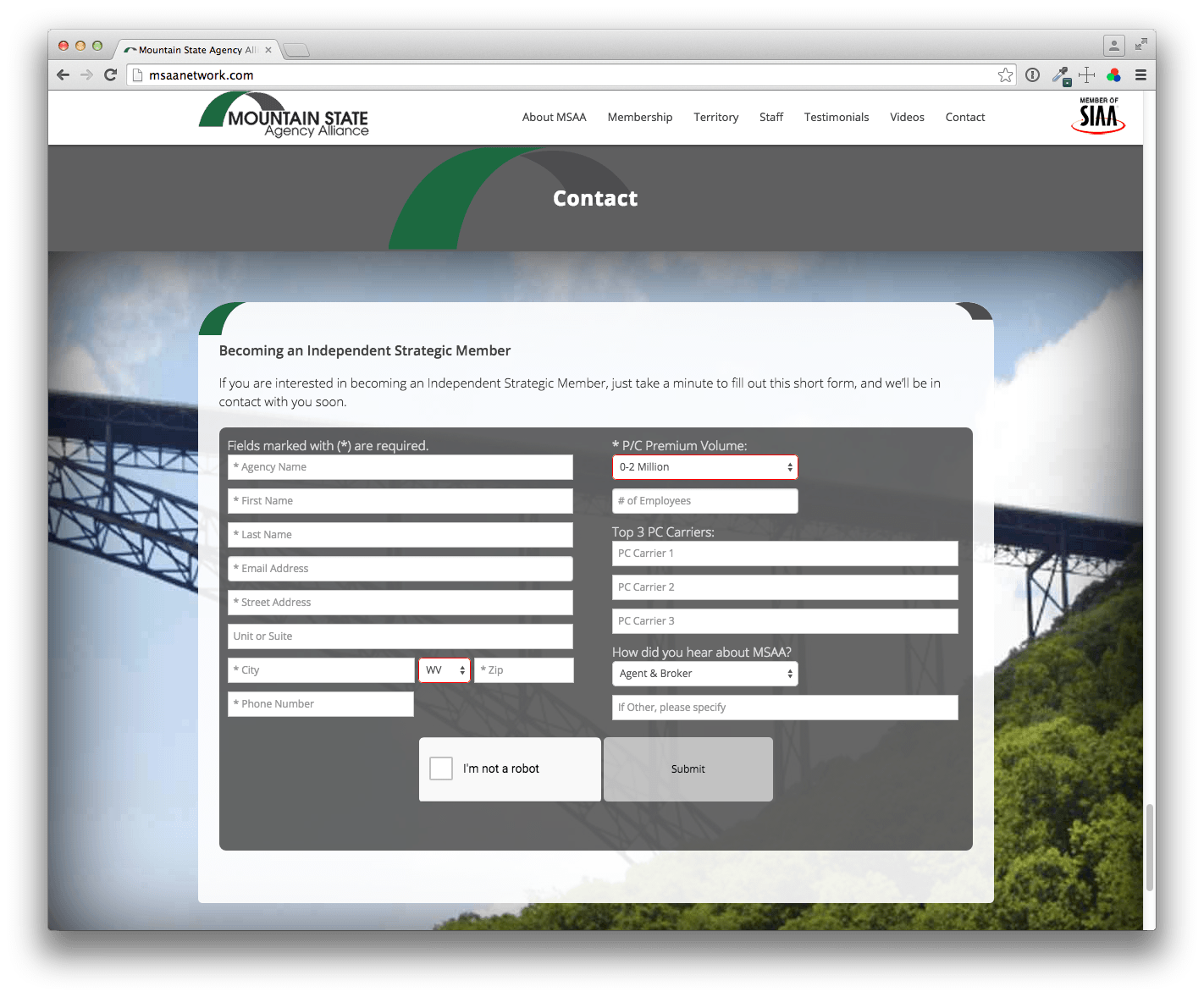
Image Associates built the new MSAA site on the foundation of the WordPress Content Management System, giving MSAA personnel complete control over their content. The site utilizes a modern “one-page scrolling” design that puts all important information at the visitor’s fingertips. A dynamic full page slideshow showcases the beauty of New River Gorge and Bridge, the inspiration for MSAA’s logo.
The Outcome:
MSAA now has a beautiful dynamic site they can be proud of. It rivals sites of similar, national organizations, including that of their parent organization.
Case Study: West Virginia Nursery & Landscape Association

-
- Home Page Animated Slider
-
- Projects Section

-
- Latest News
-
- Responsive Design
-
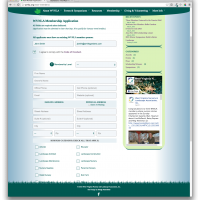
- Membership Application

-
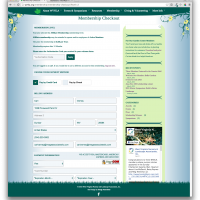
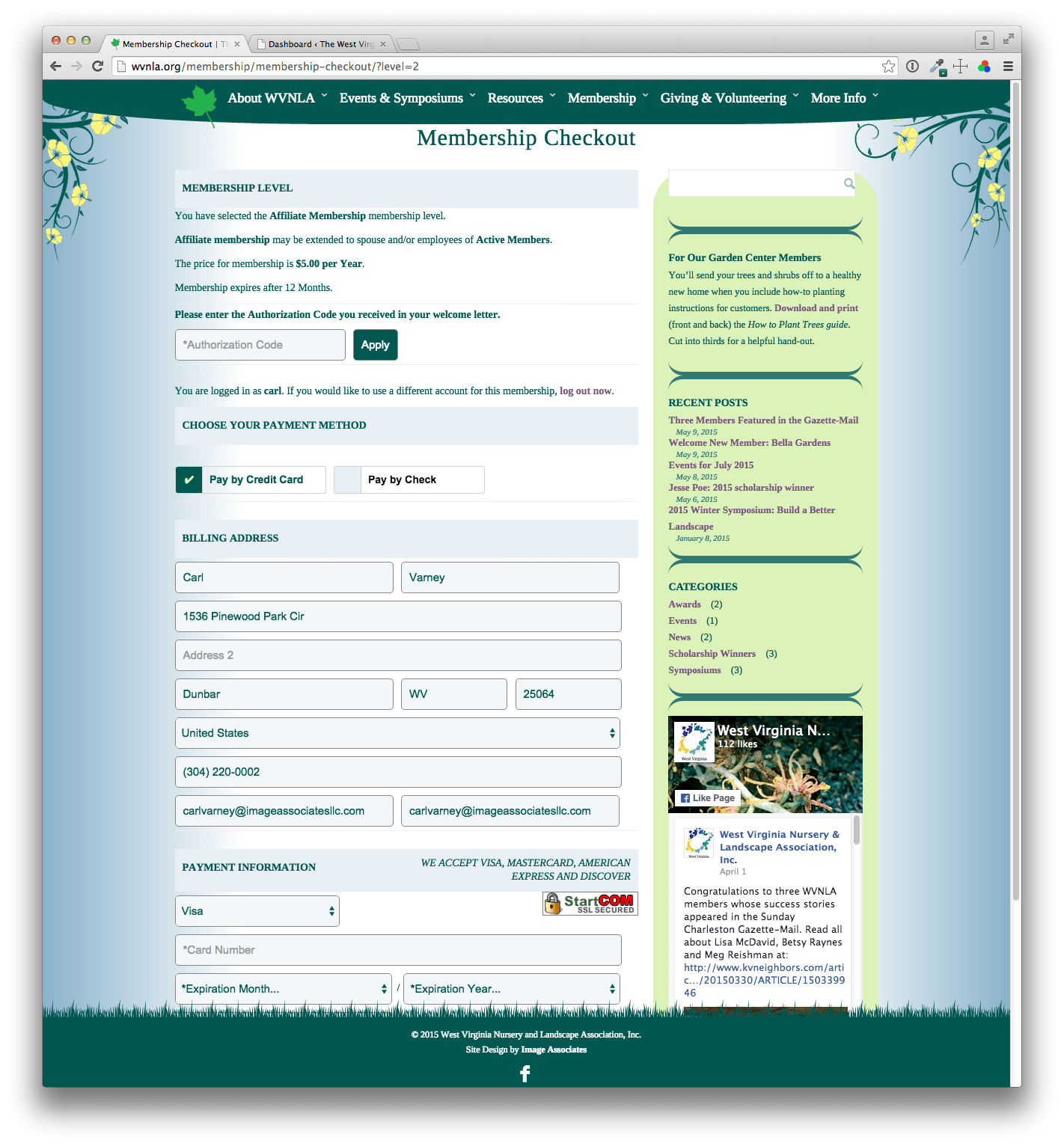
- Paid Memberships
-
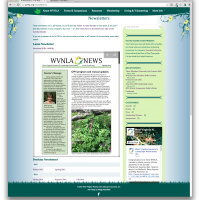
- Embedded PDFs
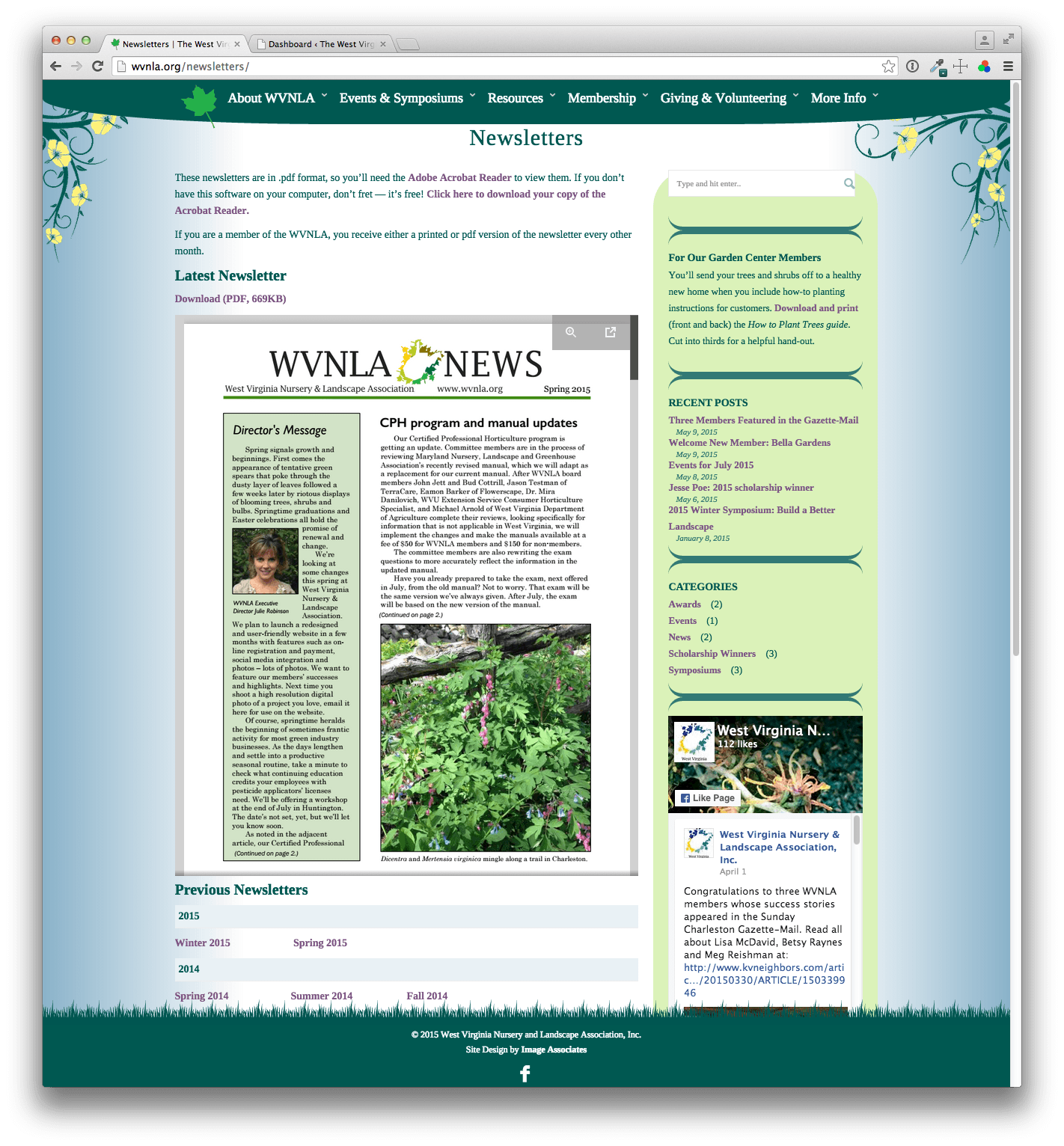
-
- Facebook Integration

Case Study: The West Virginia Nursery & Landscape Association
The Situation:
The West Virginia Nursery and Landscape Association represents an ever-growing list of businesses and professionals in the field. They came to Image Associates with an old outdated, static HTML website that could not be updated by WVNLA staff, and was neither mobile-friendly nor user-friendly. Other similar associations in neighboring states had superior functionality, including searchable online guides, and more modern appearances. WVNLA also wanted the ability to move their membership online, accepting dues payments via credit card to replace their old method of paper and checks.
The Challenge:
As with many older, non-dynamic web sites, the existing HTML static site had to be scrapped and a robust Content Management System installed. Additional desired functionality would need to be added via the CMS plugin architecture. Finding and implementing an appropriate membership system with online payment options was a top priority.
The Solution:
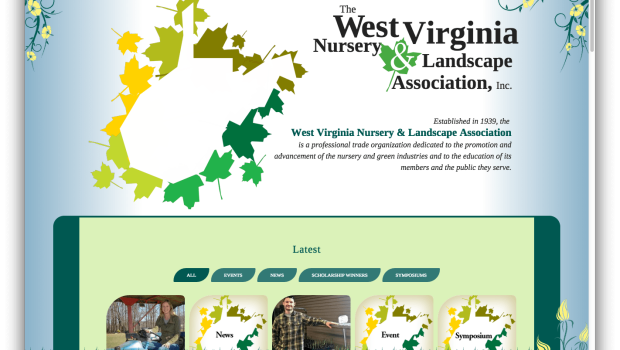
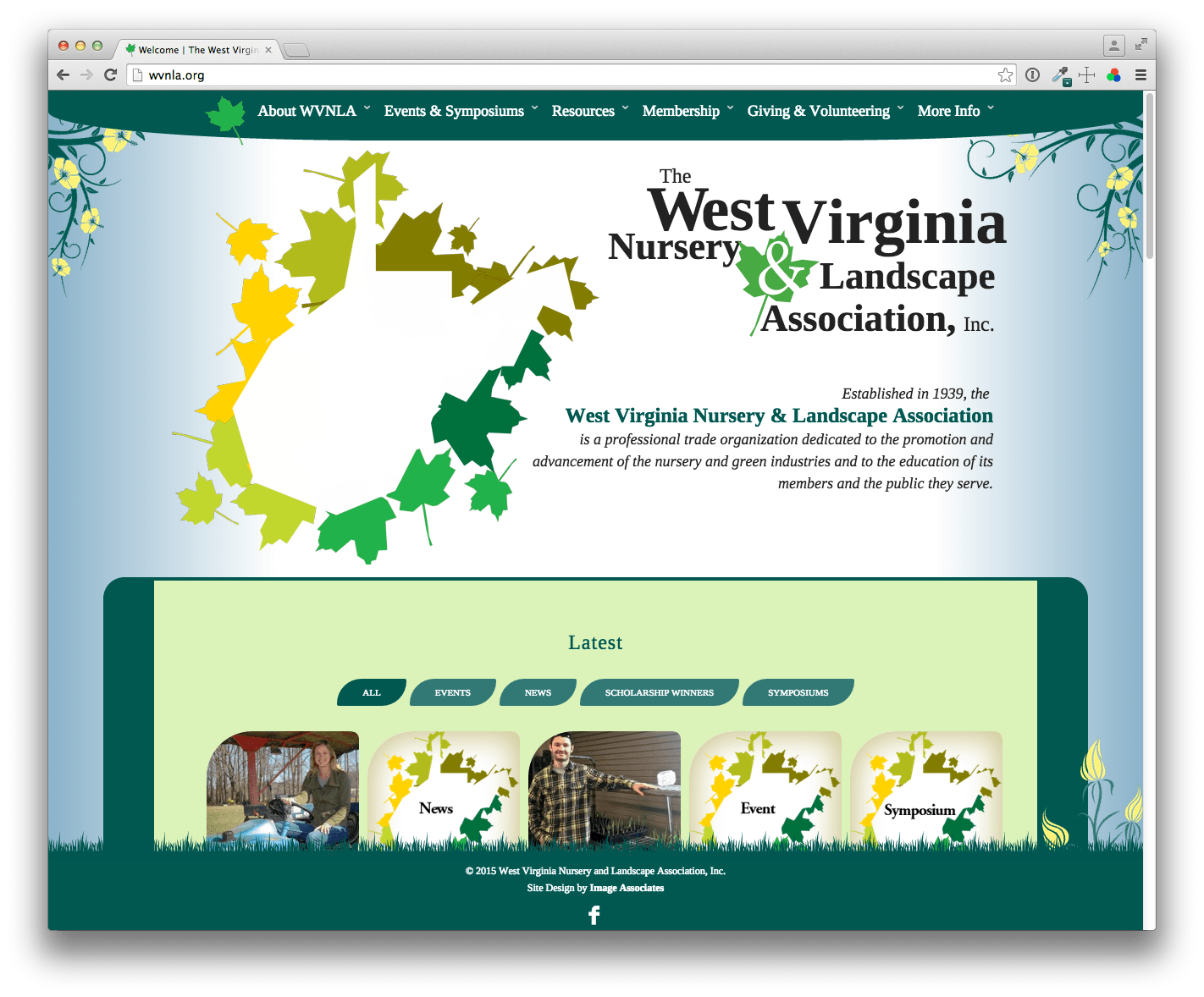
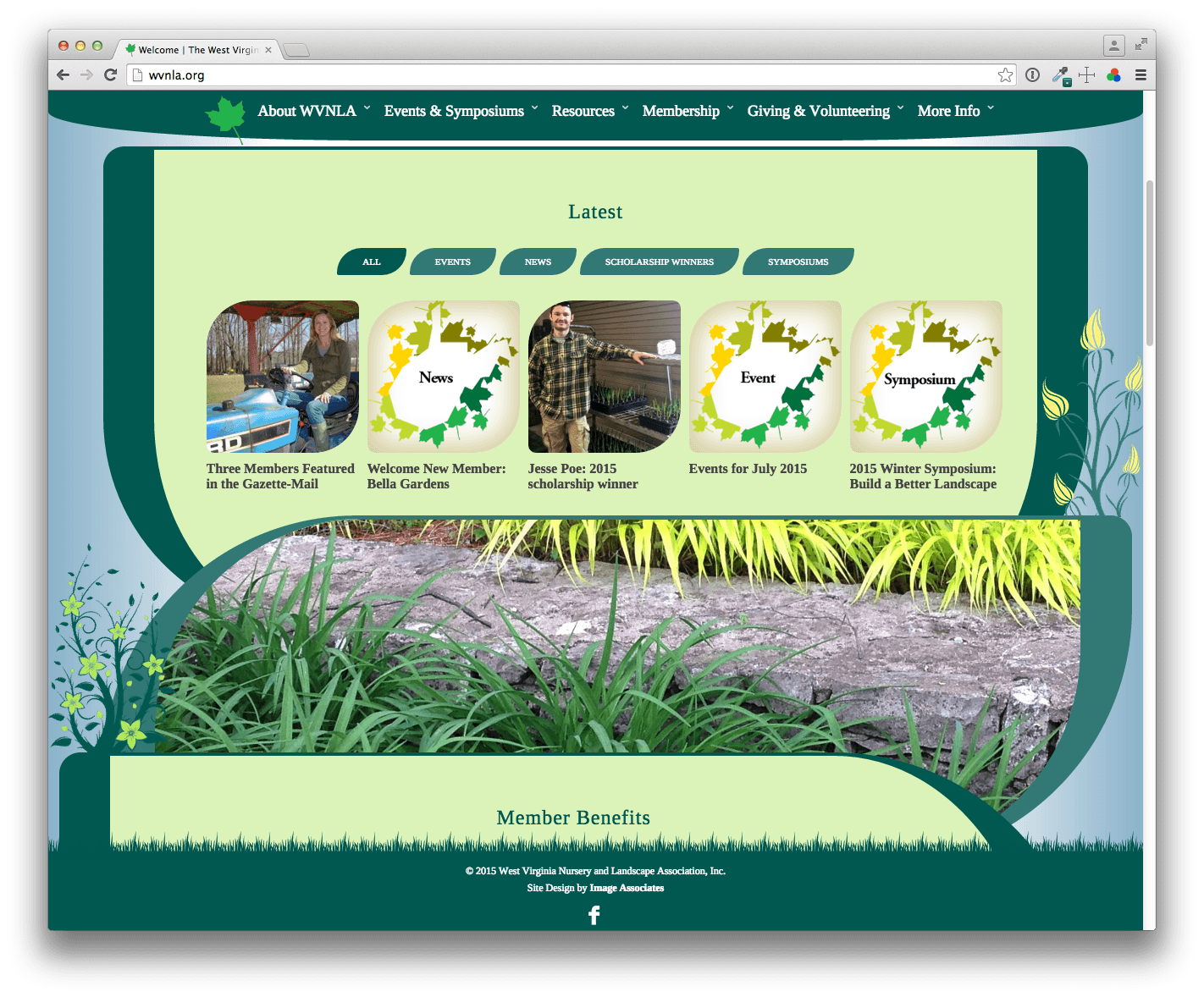
The new West Virginia Nursery & Landscape Association website, produced by Image Associates, went live in July, 2015. The site’s design takes the organic nature of the landscape business as its inspiration, creating a beautiful site which stands out in the sea of square grid, template-driven sites used by other such organizations in surrounding states. Built on WordPress, the site features all desired functionality with nearly infinite expandability:
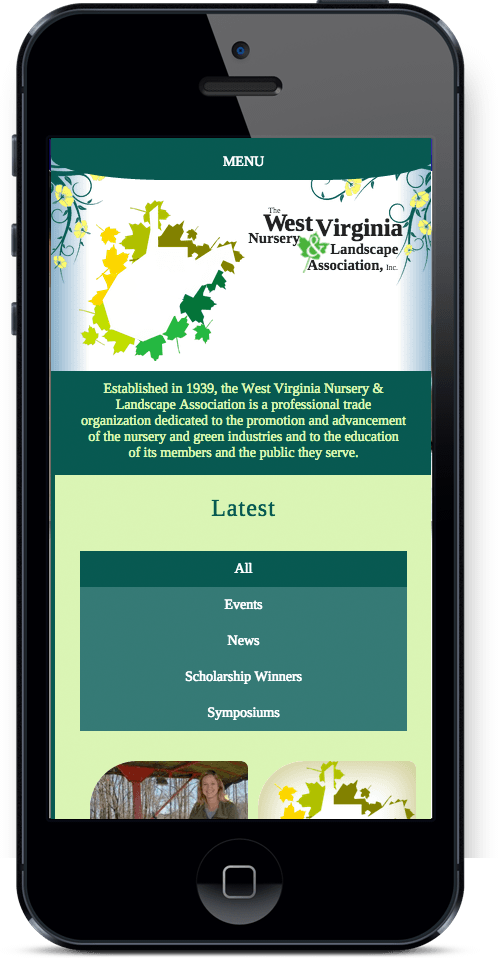
- A responsive design that allows the site to display properly on mobile devices without the need for a special mobile site.
- WVNLA administrators have complete control over the site’s content, with special content areas devoted to news, projects, and events.
- A robust membership management system that allows for members-only content, and provides for online payment and renewals of membership fees.
- A searchable directory of members’ businesses, with geographical search is in progress and coming soon.
The Outcome:
WVNLA now has a modern site with a rustic feel, which will also provide a better and more reliable way to maintain their membership and drive customers to their members’ businesses.

Case Study: West Virginia Housing Development Fund "Home Delivery" Program

-

- TV Spot
-

- Newspaper Ad
-

- Poster
-

- TV Spots
-

- Newspaper Ad
-

- Newspaper Ad
Case Study: Home Delivery
The Situation
In 2002, the West Virginia Housing Development Fund expanded its home mortgage program. The new program was not restricted to first-time buyers and had no income restrictions. Prior to this program the WVHDF guaranteed loans to first time buyers only and income restrictions and other factors limited eligibility strictly to low-income clients.
The Challenge
The WVHDF found themselves challenged to serve a much broader demographic than ever before; thus a new advertising program targeting a mid to high income audience was needed. Since the program was new and represented an unprecedented opportunity for homebuyers, the task of responding to the great volumes of requests for information (generated by the advertising) in a timely and courteous manner was expected to overwhelm the internal response systems of the WVHDF.
The Solution
Image Associates named the new program “Home Delivery” and produced television, radio and print ads designed to target homebuyers aged 18 – 54 with incomes above $60,000. This targeted approach and key visual and audio cues contained in the TV spots were intended to overcome existing perceptions that the WVHDF serves only low-income clients. IA developed a video information packet to answer the most commonly asked customer questions and secured a toll-free telephone number and the services of an Inbound Telemarketing firm to respond to the anticipated call volume. The methodology was seamless to the respondent and ensured timely and courteous call response with no busy signals or hold time.
The Outcome
Over the initial 8-week advertising effort, total requests for information reached 337 per week. Requests continued for 11 weeks after advertising had ceased — averaging 15 requests per week, then response rates dropped to pre-campaign levels of 4 to 5 requests per week. At the suggestion of the WVHDF, Image Associates met with housing fund representatives in Kentucky and Virginia who agreed to form a cooperative advertising group. The first “multistate” campaign worked so well, all three states agreed to participate in a second cooperative TV spot air flight.
Case Study: West Virginia Health Care Authority

-
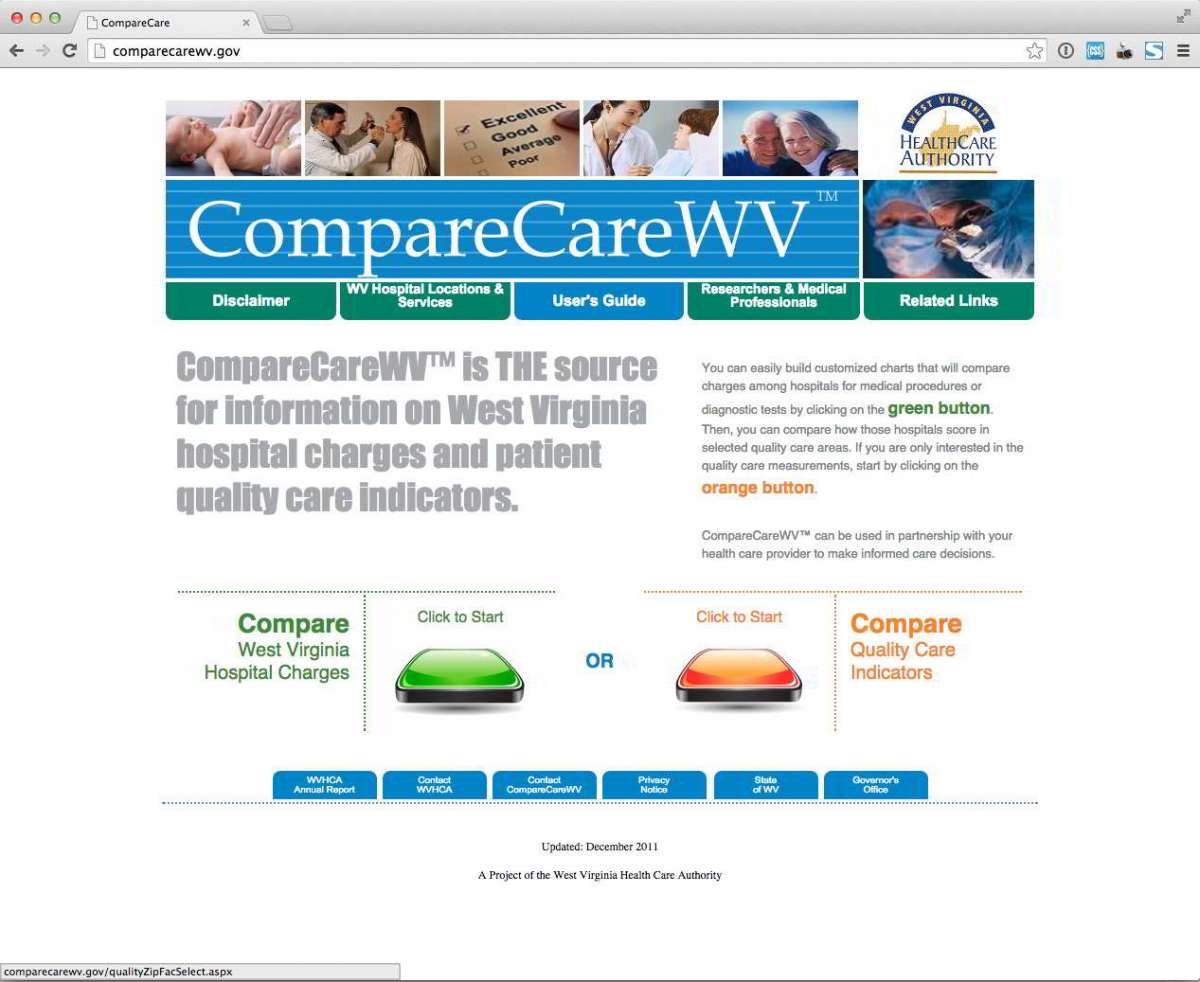
- CompareCareWV V2
-
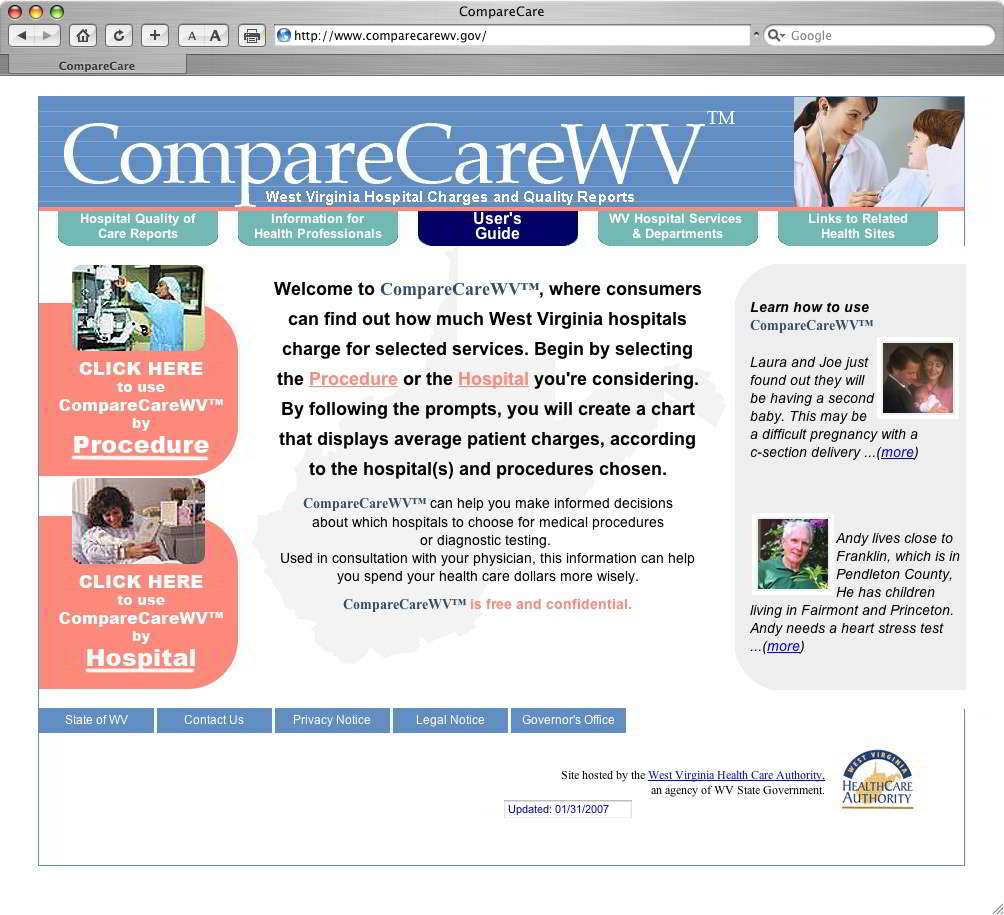
- CompareCareWV V1
-
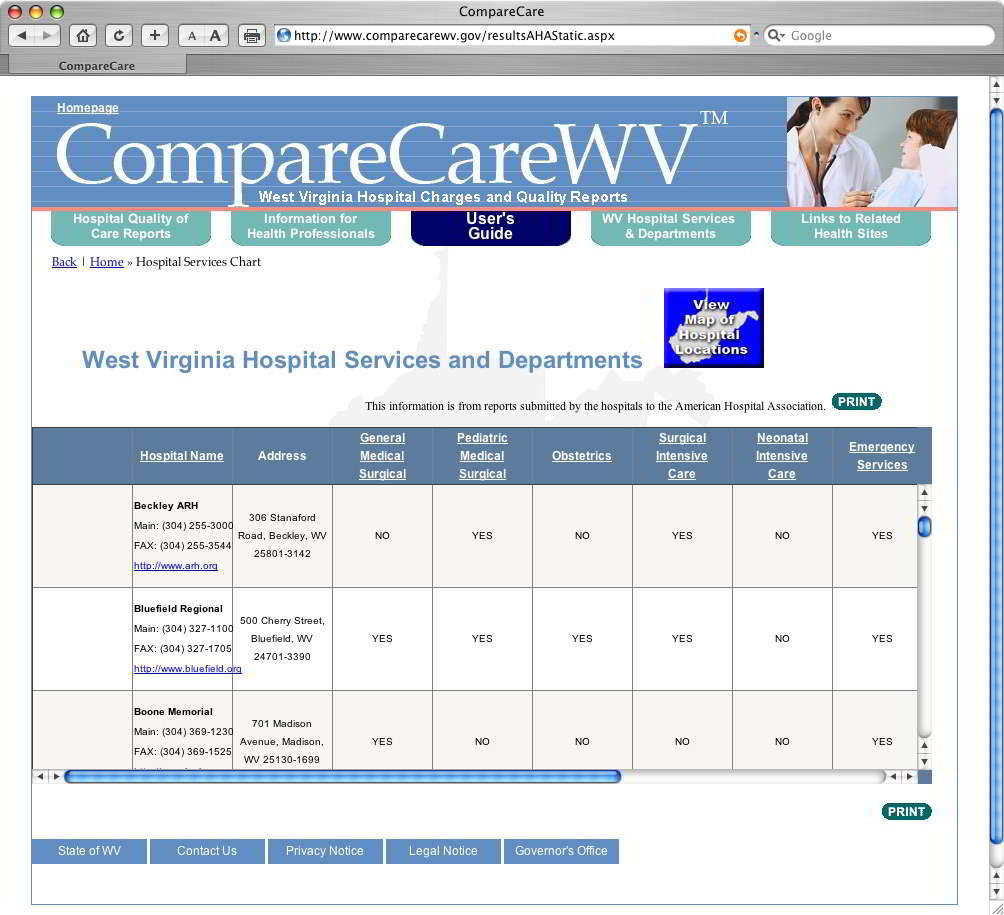
- CompareCareWV V1
-
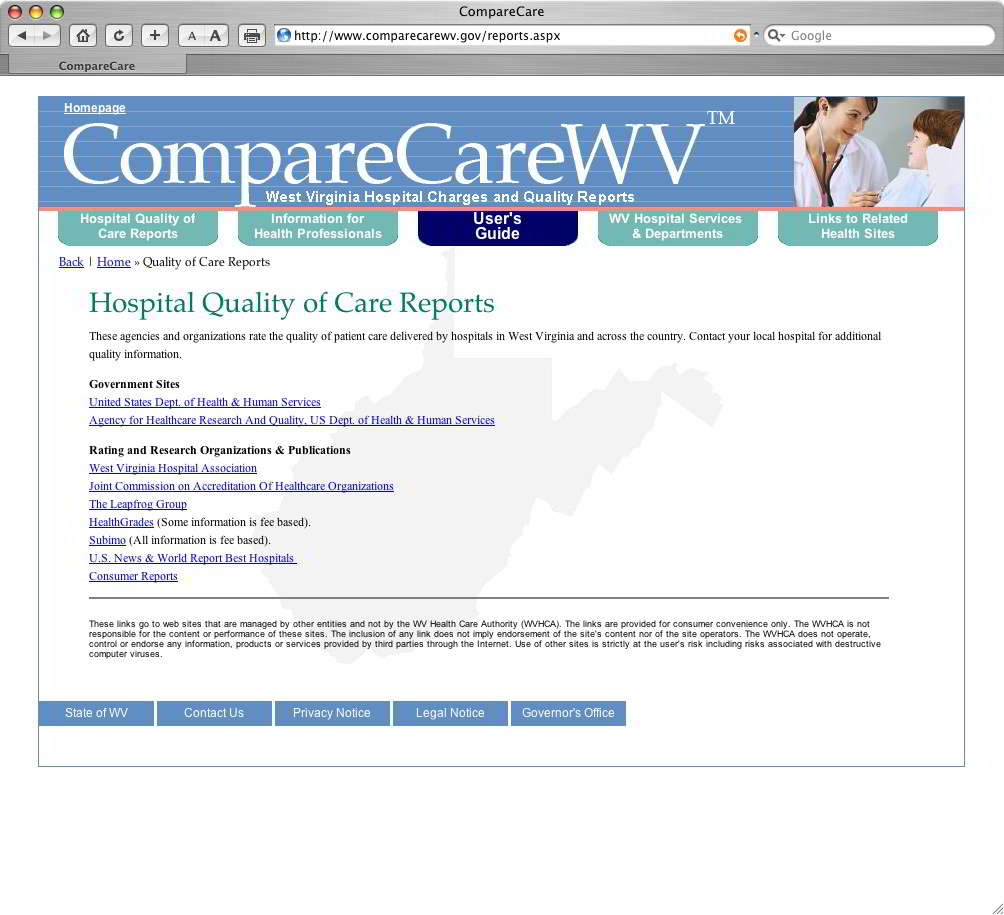
- CompareCareWV V1
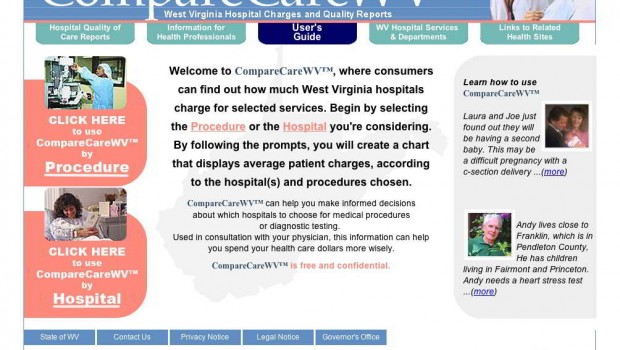
Case Study: CompareCareWV Web Site
The Situation
The Governor of West Virginia put forth a mandate that all West Virginians should be able to compare health care costs across all health care providers in the state.
The Challenge
The West Virginia Health Care Authority pulled together a team of experts in database development and Web design, which included Image Associates, to produce the CompareCareWV Web site, where West Virginians could search through a massive database of medical procedures cross-referenced against the hospitals and other providers who performed them. The users could search by procedure or by distance from their location.
The Solution
CompareCareWV represented a massive collaboration between Image Associates, the IT Department of the West Virginia Health Care Authority and a third party database administration firm tasked with bringing vast amounts of information in to play. The site was built on a .Net framework and relies heavily on CSS for the look and feel. Image Associates served, in part, as a bridge between the highly technical minds of IT and the less technically inclined West Virginia Health Care Authority administrators to translate needs and wants between those two disparate worlds. The site’s front end, including the user interface, and the graphical look and feel were coded by Image Associates. The server code for pulling the information from the back end database into usable tables of data for users on the front end was also provided by Image Associates.
The Result
The CompareCareWV Web site has received positive notices and press and continues to provide empowerment to the people of West Virginia by way of increased knowledge of health care costs.

Case Study: New River Community and Technical College

-
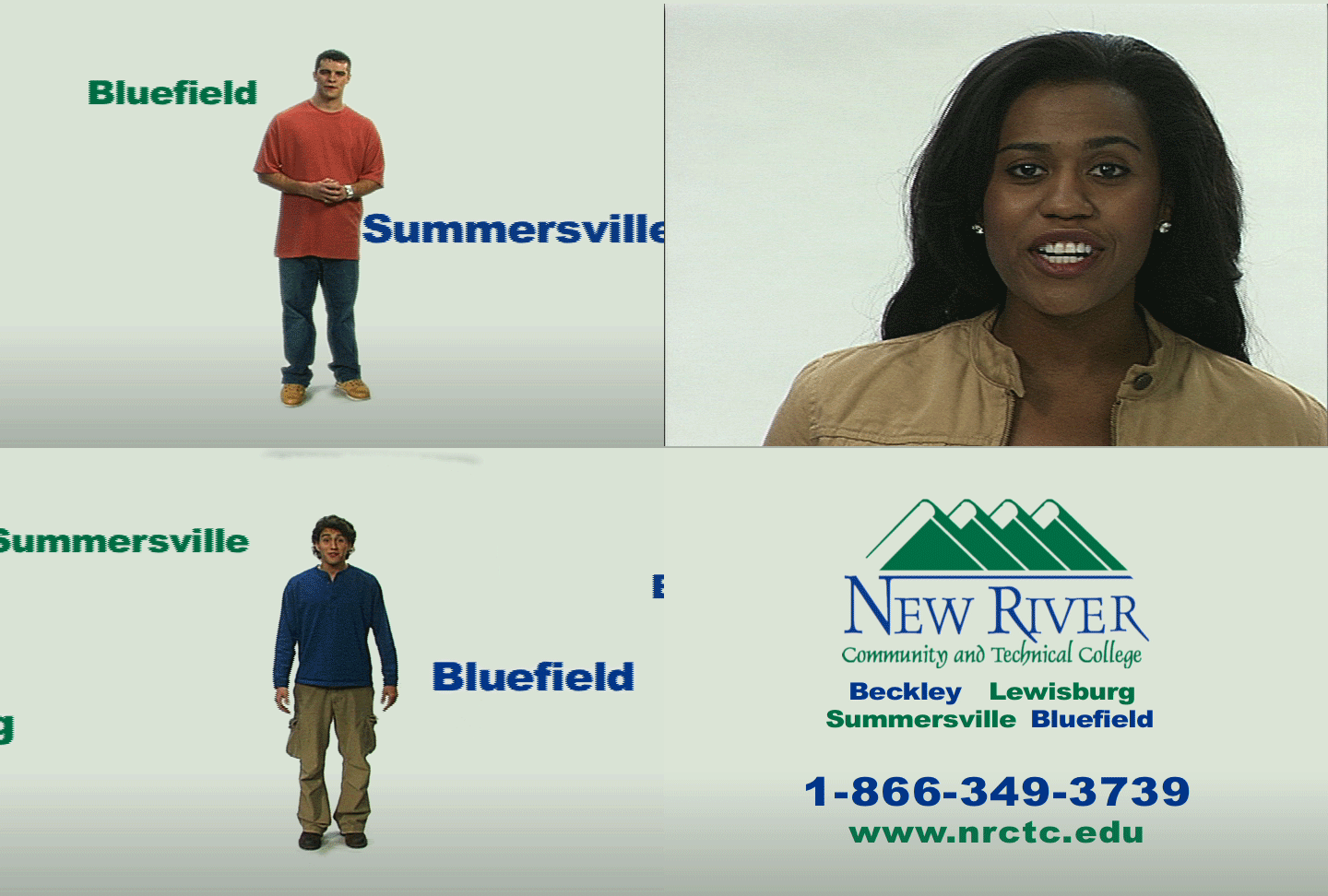
- TV Spot
-

- Billboard
-

- Newspaper Ad
-
- Newspaper Ad
-
- Floor Display
-

- Table Display
Case Study: New River Rocks
The Situation:
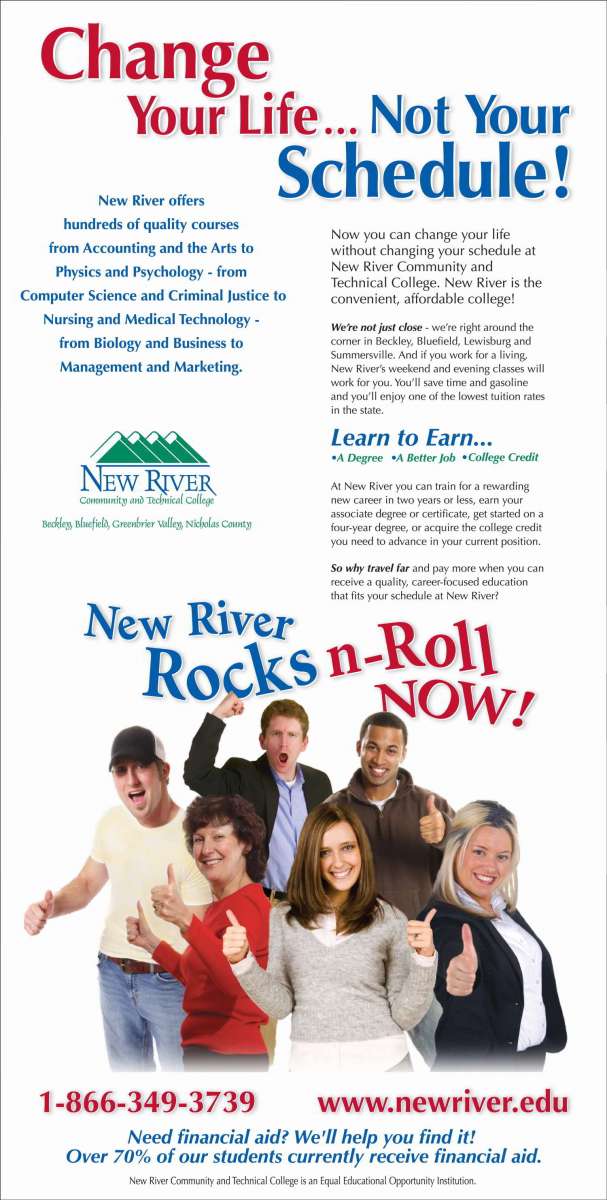
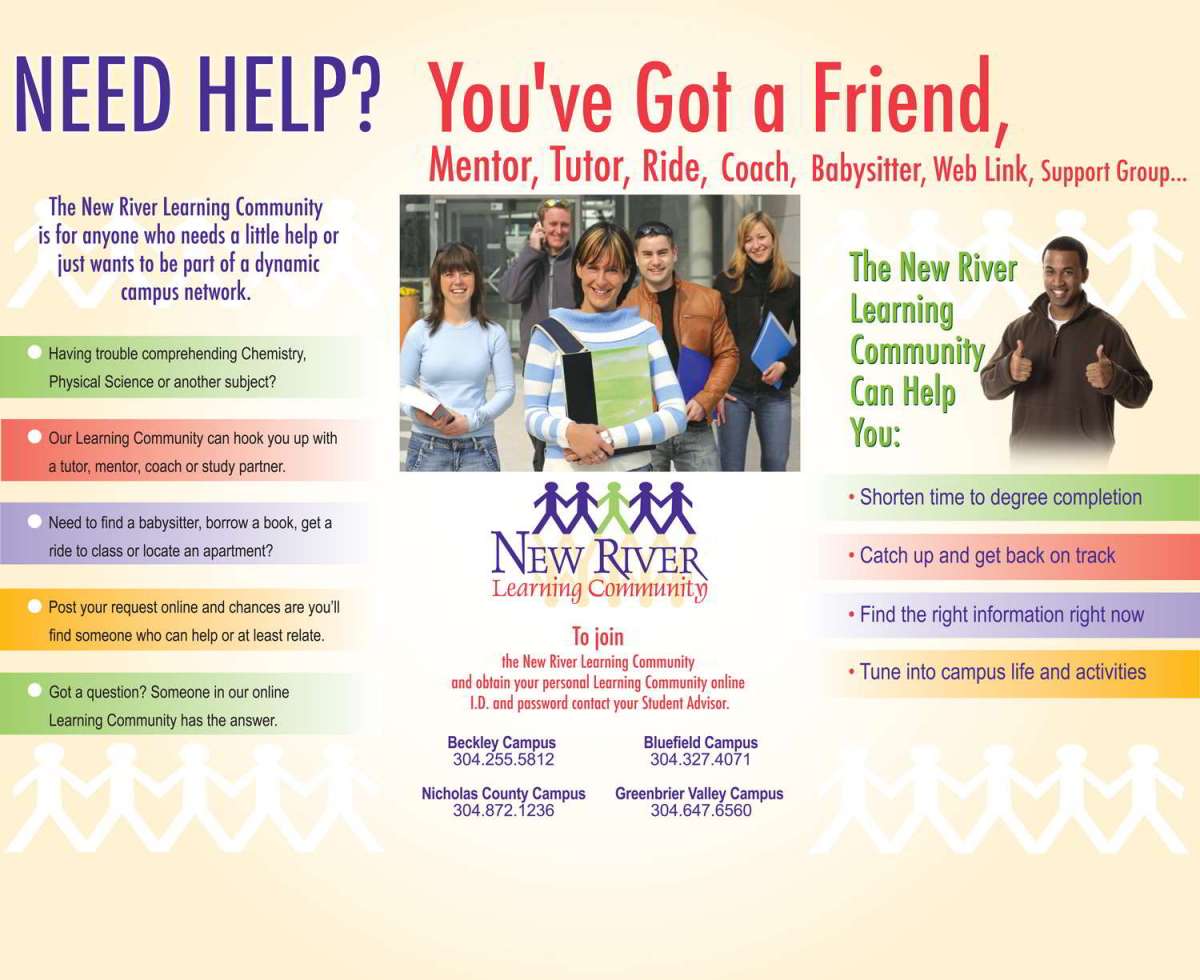
New River was an institution without an identity. Created from four freestanding colleges located in four different cities, New River faced an uphill battle to establish a brand identity with a limited marketing budget. The college had no name recognition in its service area and the local communities that had previously been home to the four individual colleges that make up New River resisted consolidation. Enrollment was stagnant and morale was low.
The Challenge:
Develop brand awareness across four distinct markets, increase enrollment, and create a unified brand culture across all four campuses.
The Solution:
Image Associates immediately went to work to develop a brand and create a spring enrollment campaign.
Spring Enrollment Campaign:
Image Associates identified New River’s target audience and value proposition, created a branding strategy, logo and other collateral materials and an integrated marketing plan and enrollment campaign. Working in the school’s four markets and using three TV stations, a half-dozen radio stations, regional and local newspapers, the school’s Web site and many free media opportunities, Image Associates circulated the broadcast, print and online media it had created for the Spring “Push.”
The Outcome:
The campaign generated hundreds of calls and introduced the school’s brand to a diverse and geographically segmented population. New River’s enrollment rose almost 33% in just a few short weeks and the campaign was pronounced a definitive success.
Case Study: West Virginia University Parkersburg

-

- Responsive Design
-

- New Home Page

-

- Events Calendar
-
- FAQs
-

- Integrated Maps
-
- Multiple content types

-
- Content Page
-

- Alert System Integration
Case Study: West Virginia University Parkersburg Web Site
The Situation:
West Virginia University Parkersburg (WVUP) struggled with an outdated website for years and it became unmanageable. The website lacked a Content Management System (CMS), which contributed to the stale and outdated information. The institution could not deal with the problem directly.
The Challenge:
Replacing the entire installation with a modern database driven solution on a solid and reliable hosting platform.
The Solution:
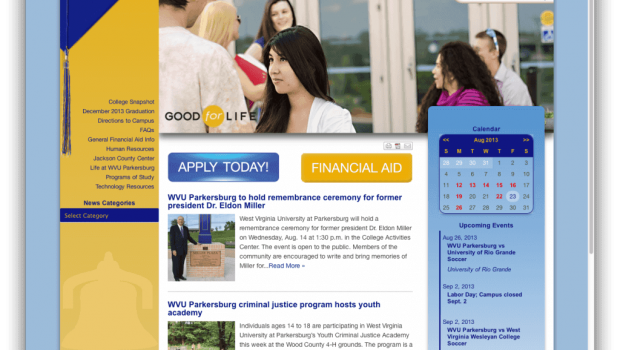
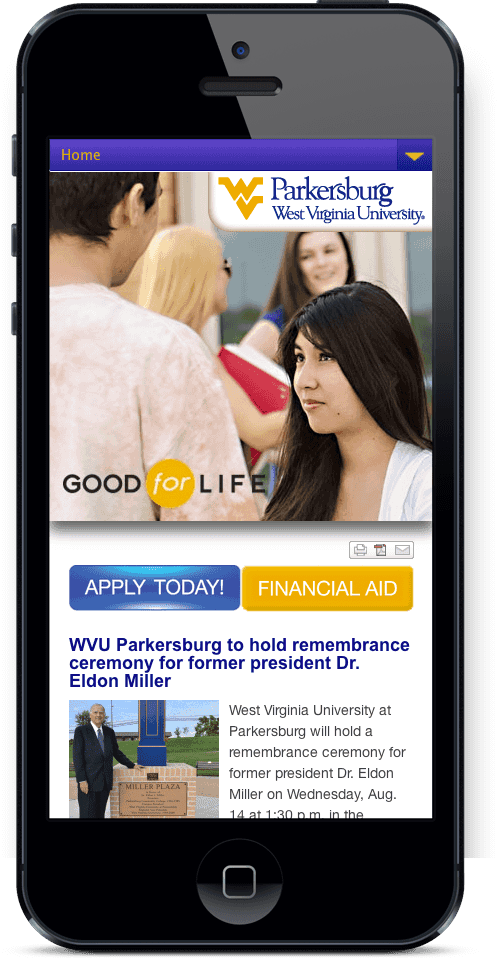
August 16, 2013, West Virginia University Parkersburg (WVUP) launched their new website produced by Image Associates. Built on WordPress, the site represented a vast improvement over what they had before.
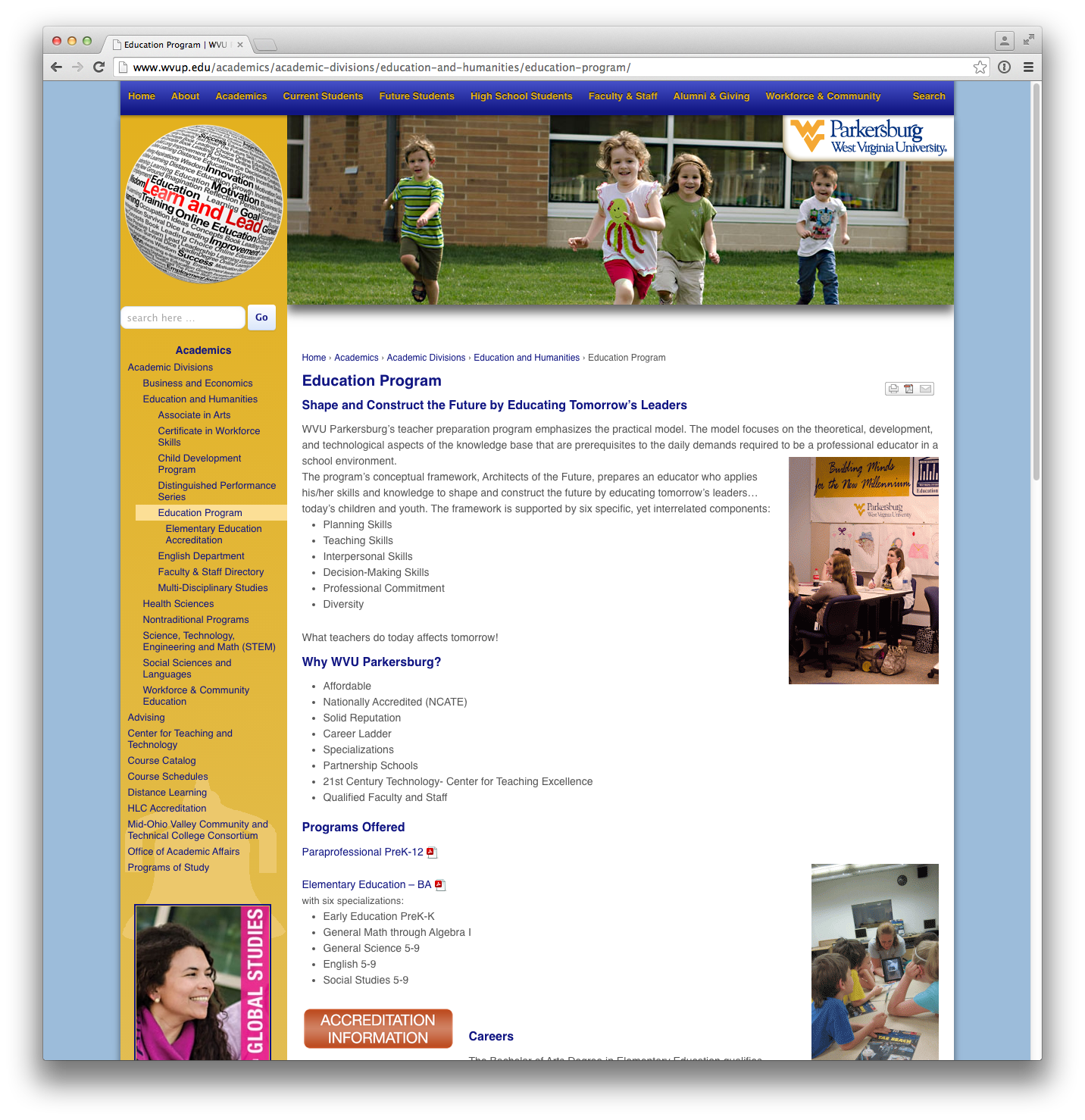
- A fully responsive design that allows the site to display properly on all mobile devices.
- Content control that includes role-based editing permission.
- Multiple page templates for customization and differentiation between different areas of the site.
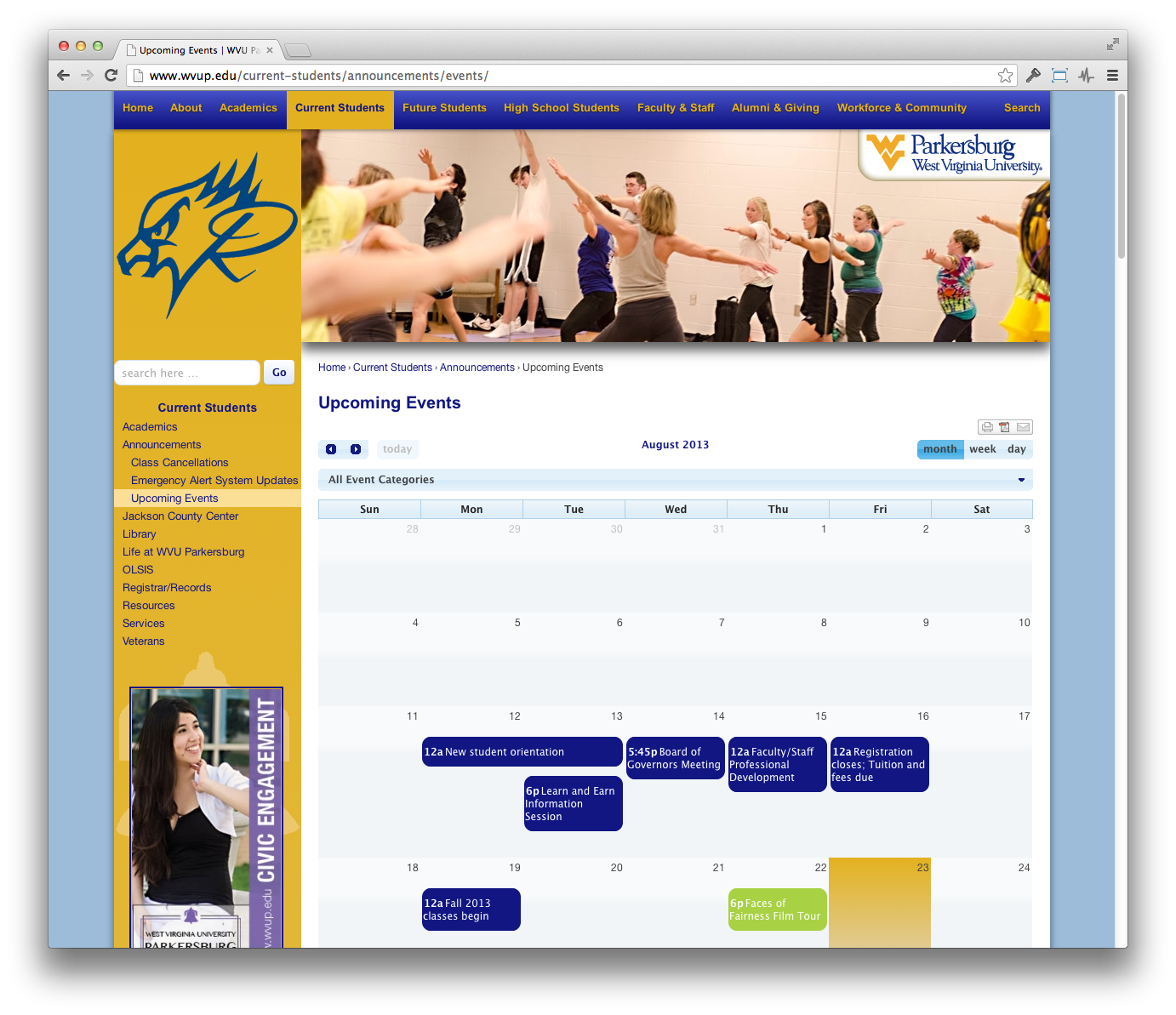
- A complete Events Management feature with visual calendar.
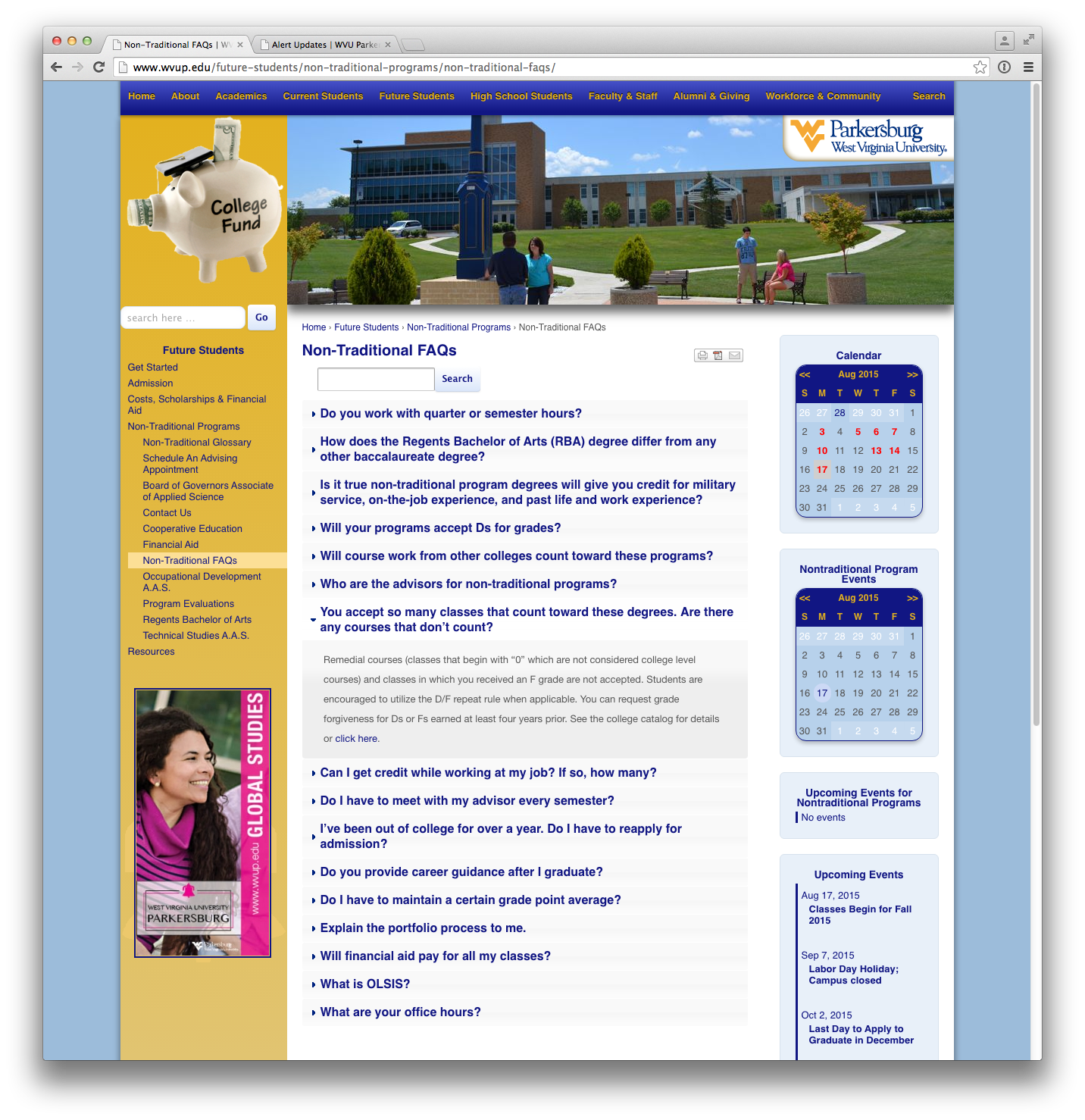
- A categorized FAQ management system.
- A Staff Directory.
- A Downloads manager for all files needed by students, faculty and administrators.
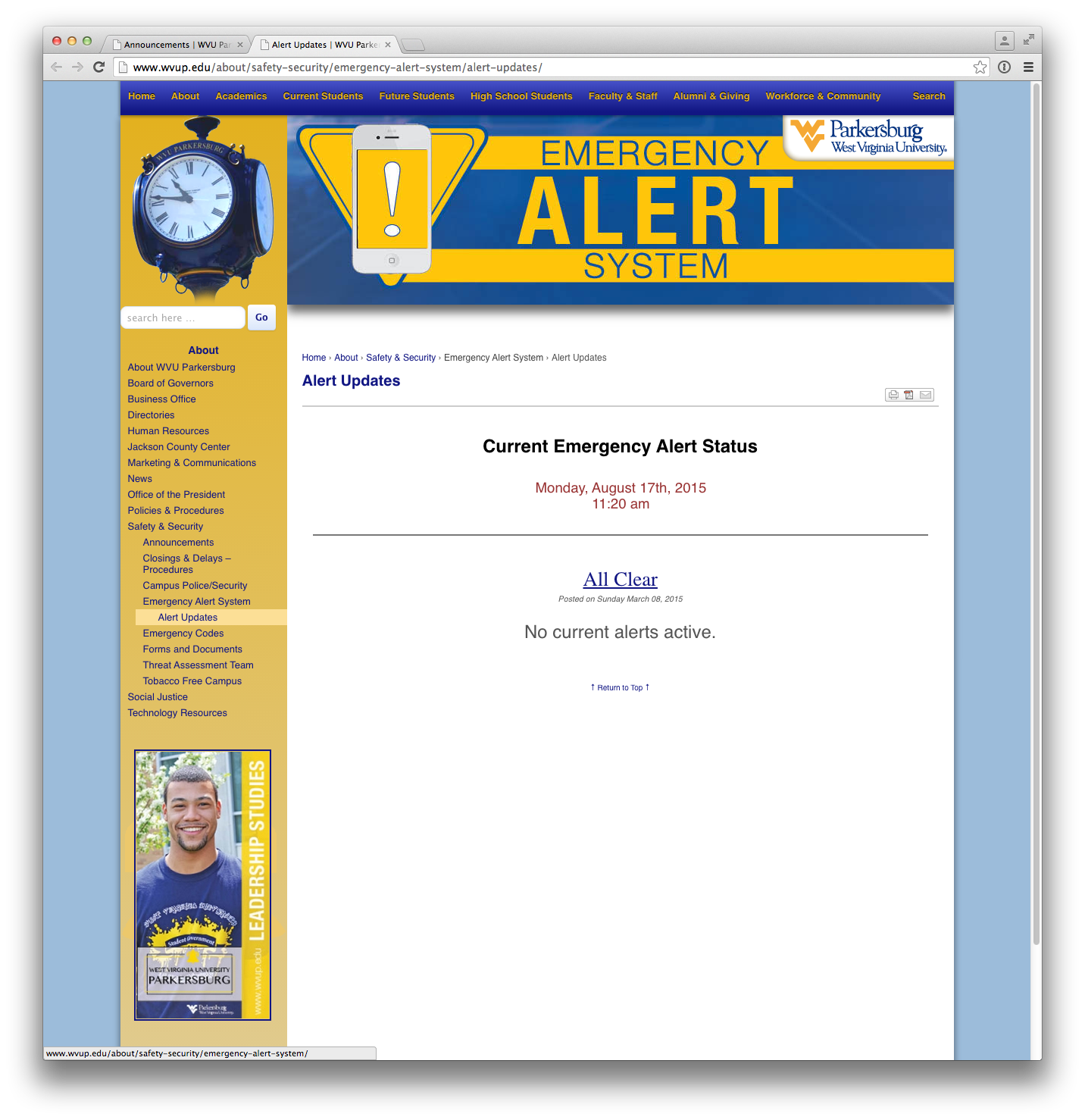
- A Custom code that can be implemented by other web services, such as the campus emergency notification system.
- Automated Site Maps.
- Custom forms that can be created for any purpose and submitted via email to any chosen email address.
- An improved page management system featuring an easy to follow tree view which allows admins to track the site’s 250+ pages.